Real Estate Transactions — Automated, Validated, and Synced

Omnientry installs transaction infrastructure that turns contracts into clean, validated CRM data — eliminating manual entry, reducing errors, and saving your operations team 40+ hours per month.

Carrd Supply

The Back-Office Bottleneck in Growing Brokerages

Operational Admin Bottlenecks

Manual contract entry and inconsistent transaction data cost brokerages time, money, and accuracy:

☑️ Multiple admin touchpoints

☑️ CRM records full of errors

☑️ Commission and compliance risk

☑️ Slow reporting and delayed decisions

☑️ Manual transaction data entry can quietly cost brokerages $12,000+ per year in rework, errors, and lost time.

This isn’t just “busy work.” It’s operational drag that eats margins..

Carrd

Transaction Infrastructure, Not Just Automation
Carrd

Automated Transaction Infrastructure

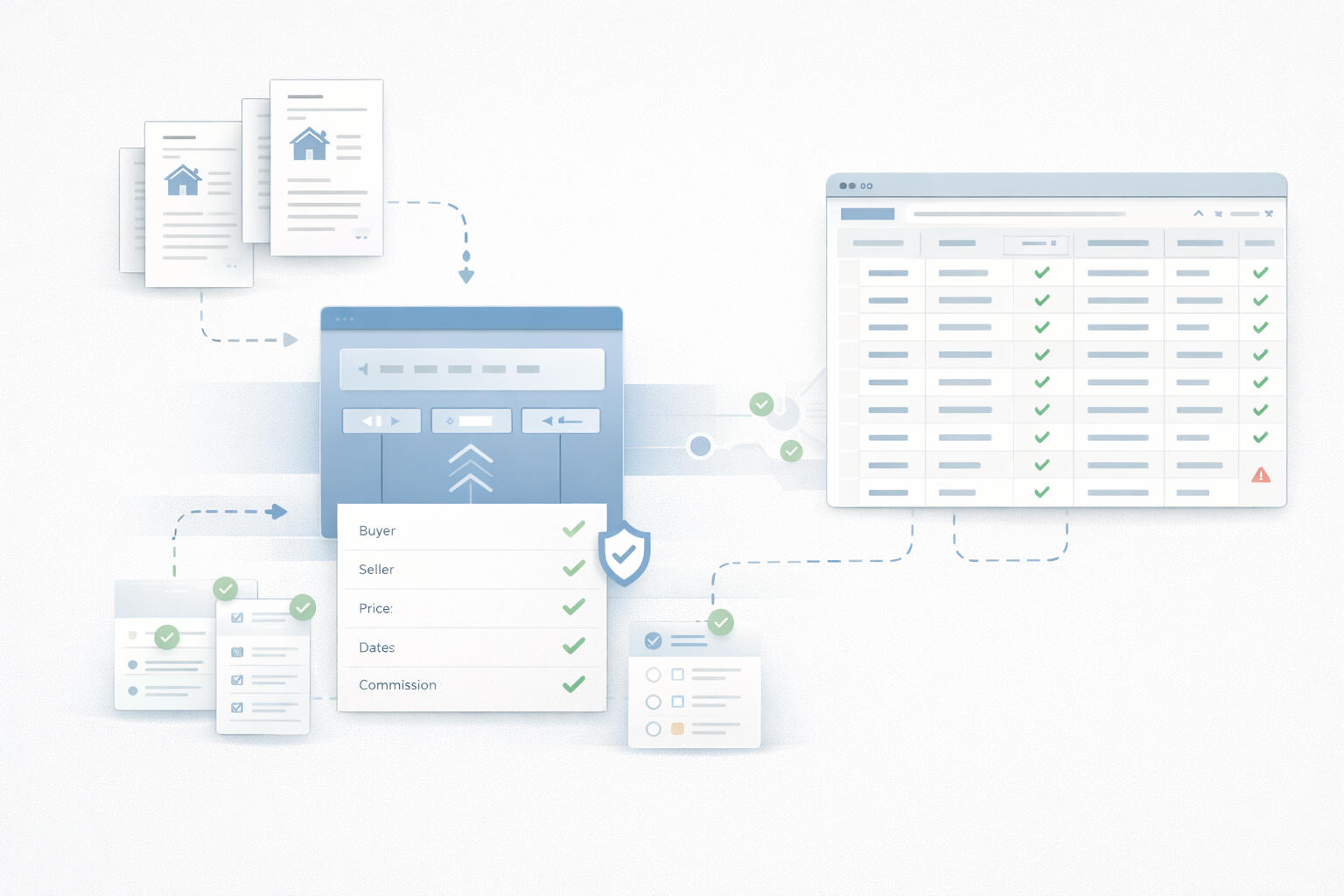
Omnientry takes contract documents and automatically:

☑️ Extracts buyer, seller, price, dates, and commissions

☑️ Validates data against business rules and compliance checks

☑️ Syncs clean data directly into HubSpot

☑️ Flags anomalies before they become losses

This becomes the reliable backbone of your transaction process.

How It Works

Carrd

Step 1 — Intake

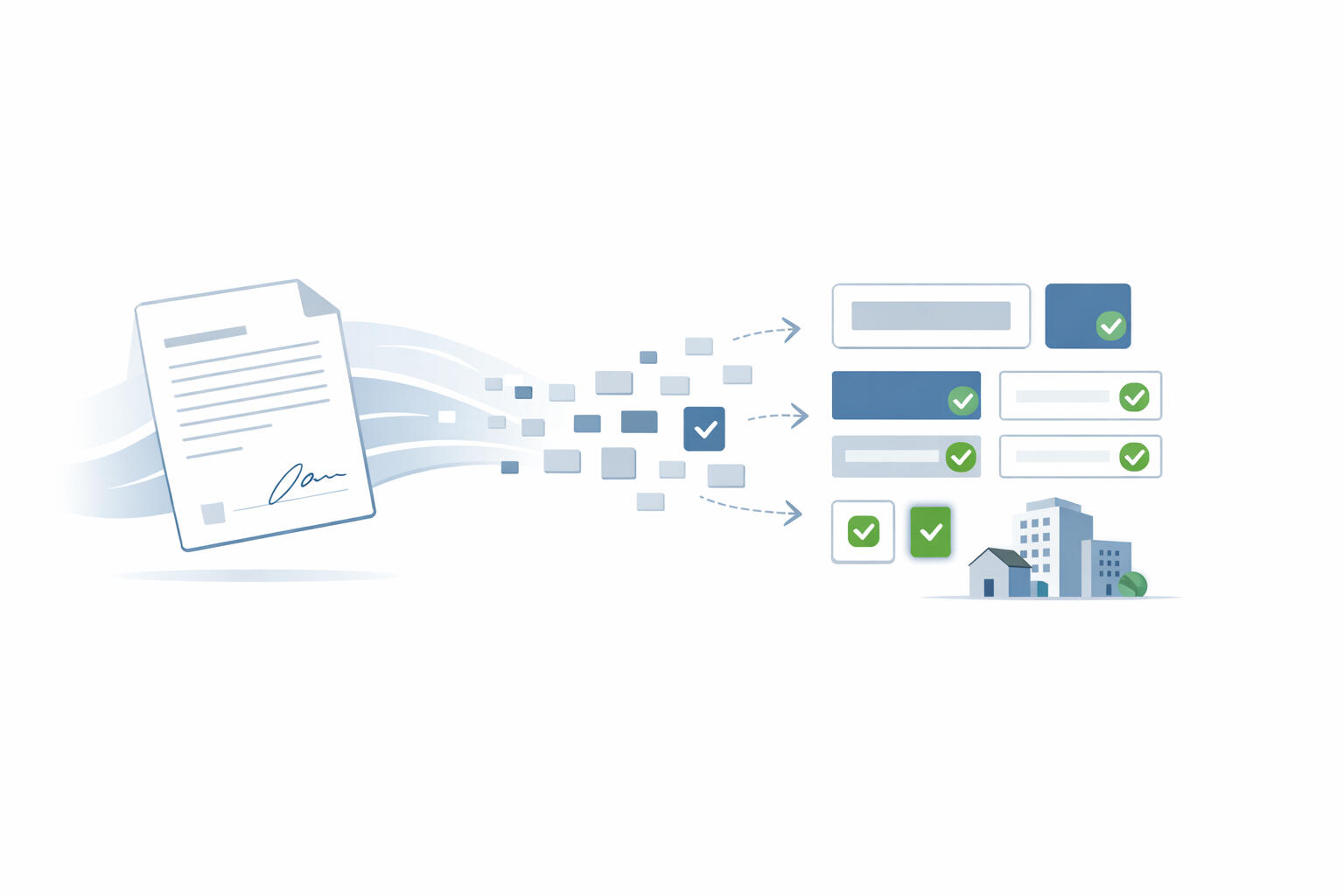
Upload contracts via Google Drive or Email — no behavior change needed.
TemplateHQ

Step 2 — Extract & Validate

AI extracts all key fields and checks your rules.

Carrd Supply

Step 3 — Sync & Report

Structured data flows into HubSpot. Weekly reports delivered automatically.

What You Get With Omnientry

⏱️

Save 40+ Hours/Month

Automate data entry so your team can focus on revenue generating work.

🔗

Sync to Your CRM

Data flows directly to HubSpot, Zoho, or QuickBooks.

🛡️

Catch Errors Before They Cost You

Automated validation flags missing info, math errors, and compliance issues.

📧

Instant Alerts

Get notified immediately when validation fails or manual review is needed.

📋

Audit-Ready Records

Every transaction gets a compliance log showing what was extracted, validated, and when.

📈

Weekly Reports

See how many transactions processed, errors caught, and hours saved.

Our users can't stop raving about us

Carrd

“Agents didn’t need to change how they work. They upload contracts like usual, and everything else runs quietly in the background.”

Sarah Mitchell — Operations Manager

Carrd

“Contracts come in, data flows automatically, and issues are flagged early. Our ops team finally has breathing room.”

Daniel Brooks — Head of Operations

Carrd

“We scaled without hiring more admin staff. Validation and CRM sync alone removed a lot of manual checks.”

Emily Carter — Managing Director

Carrd

“Omnientry removed manual data entry almost entirely and gave us confidence that our CRM data is finally accurate. It feels like infrastructure, not a tool.”

Michael Turner — Broker Owner

Transparent Pricing. No Surprises.

Starter
$995 one-time setup
$1,995/ month
Best for Small brokerages (5–15 agents) processing 30–50 deals/month.
  • Up to 40 transactions per month
  • Email + Google Drive document intake
  • AI extraction & smart validation
  • Airtable structured storage
  • HubSpot CRM sync
  • Weekly transaction reports
  • Email support (48-hour response)
  • 3-month minimum commitment
Overage: $50 per additional transaction
Book a 15-Minute Demo
Enterprise
$4,995 one-time setup
$7,995/ month
Best for Established brokerages (30+ agents) processing 200+ deals/month.
  • Everything in Professional, plus:
  • Up to 300 transactions per month
  • Unlimited custom validation rules
  • Multi-CRM sync (3+ systems)
  • Full API access
  • Dedicated account manager
  • Phone support (4-hour SLA)
  • White-label reporting option
  • Historical data migration
  • Quarterly business reviews
  • 99.5% uptime SLA
  • 12-month minimum commitment
Overage: $25 per additional transaction
Book a 15-Minute Demo

Frequently asked questions

Everything you need to know about Omnientry infrastructure and implementation.

What does Omnientry do?
Omnientry turns real estate contracts into structured, validated CRM data automatically—eliminating manual entry and catching errors before they cost you money. We extract key fields, validate them against business rules, and sync clean data directly into your systems.
Why is there a setup fee?
The setup fee covers real integration work: configuring your Google Drive folders, setting up Airtable, connecting your CRM, building custom validation rules, and training your team. This is 5-10 hours of hands-on work to ensure everything works perfectly from day one.
Can the setup fee be waived?
Yes, two ways:

1. Annual prepayment: Pay 12 months upfront and we waive the setup fee entirely.
2. Founding client program: Limited to 10 clients who get Professional tier features at $0 setup + $2,495/month (apply via the form on this page).
What documents do you support?
Most common transaction documents including purchase agreements, offer letters, contracts, and amendments. We support PDFs and Word documents. Scanned documents are supported depending on quality—OCR accuracy varies with scan quality.
How do you handle Google Drive and Email intake?
Teams can upload contracts via a dedicated shared Google Drive folder or forward them to a unique email address (e.g., [email protected]). No behavior change required—your team continues working as usual.
What data do you extract?
Buyer name, seller name, property address, city/state/ZIP, purchase price, deposit amount, closing date, agent name, brokerage, commission amount/percentage, and contingencies. Custom fields can be added on Professional and Enterprise tiers.
Do you sync to HubSpot, Zoho, and Salesforce?
Yes. Starter tier includes HubSpot sync. Professional and Enterprise tiers support HubSpot, Zoho CRM, Salesforce, QuickBooks, and Zoho Books. Custom integrations available on Enterprise tier.
What happens when something looks wrong?
Omnientry flags missing fields, math errors (deposit + balance ≠ purchase price), unusual commissions, invalid dates, and cross-document mismatches. You receive an email notification immediately, and the transaction is marked for review. You can correct it manually or approve if the flag is a false positive.
What if I exceed my transaction limit?
You're charged the overage rate for each additional transaction ($50, $35, or $25 depending on your tier). Or you can upgrade to the next tier anytime—we'll prorate your current month and apply the credit toward your new tier.
Can I cancel anytime?
After your minimum commitment period (3, 6, or 12 months depending on tier), you can cancel with 30 days' written notice. We also offer a 30-day money-back guarantee—if you're not satisfied after month 1, we refund your setup fee and first month's payment, no questions asked.
How long does deployment take?
5-7 business days from contract signing. We schedule an onboarding kickoff call within 48 hours, complete integration and setup within one week, then you're live. For Enterprise clients with complex custom requirements, allow 2-3 weeks.
What's the difference between the Pilot and standard pricing?
The Founding Client Pilot is for our first 10 customers—they get all Professional tier features at 38% off ($0 setup + $2,495/month vs. $1,995 setup + $3,995/month). After we hit 10 founding clients, all new customers pay standard pricing. Pilot clients keep their discounted rate forever as long as they remain active.
Is there a free trial?
We don't offer free trials because setup requires real integration work (connecting your CRM, configuring validation rules, training your team). However, we offer a 30-day money-back guarantee. If you're not satisfied after month 1, we refund everything.

30-DAY TRANSACTION INFRASTRUCTURE PILOT

Validate Omnientry on real workflows before full deployment.

What's Included:

☑️ Process up to 20 real transactions

☑️ Confirm extraction accuracy on your actual contracts

☑️ Test validation rules with your business logic

☑️ Sync into your HubSpot or Airtable

☑️ Review results with our team

☑️ No commitment required after pilot ends

Pilot Cost: $2,500 (Credited toward your setup fee if you move forward)

Perfect for teams who want proof before committing to annual contracts.

The Operational Backbone for Modern Real Estate Teams

Ready to Save 40+ Hours Per Month?

Install the operational backbone brokerages rely on.

User Notes

For Frequently Asked Questions(accordian embed )

Go to embedded code-To edit an existing item:Find the FAQ item you want to change
Change the text between <div class="carrd-faq-q"> and </div> for the question
Change the text between <div class="carrd-faq-a"> and </div> for the answer:

<div class="carrd-faq">
<div class="carrd-faq-q">Your Question Here?</div>
<div class="carrd-faq-a">Your Answer Here.</div>
</div>

For example, if someone wants to change the first FAQ to be about pricing:

<div class="carrd-faq">
<div class="carrd-faq-q">What are your pricing plans?</div>
<div class="carrd-faq-a">We offer three tiers: Basic ($10/mo), Pro ($20/mo), and Enterprise ($50/mo).</div>
</div>


For Pricing(HTML embed )

Go to embedded code- Edit inside the respective html pricing container. For example, for Basic Plan-

<div class="pricing-table">
<!-- Basic Plan -->
<div class="pricing-container basic">
<h2>Basic</h2>
<p class="price">$10/month</p>
<ul class="features">
<li>5 Projects</li>
<li>10GB Storage</li>
<li>Email Support</li>
<li>Basic Analytics</li>
<li>Custom Subdomain</li>
<li>SSL Security</li>
</ul>
<a href="link.com" class="buy-button">Buy Basic</a>
</div>